
Cadrillo Voice
Voice typing in any app, and a keyboard that fixes your typing slips as you go.
Coming soon toGoogle PlayA keyboard for Android 9 and up · English (US) · From Cadrillo
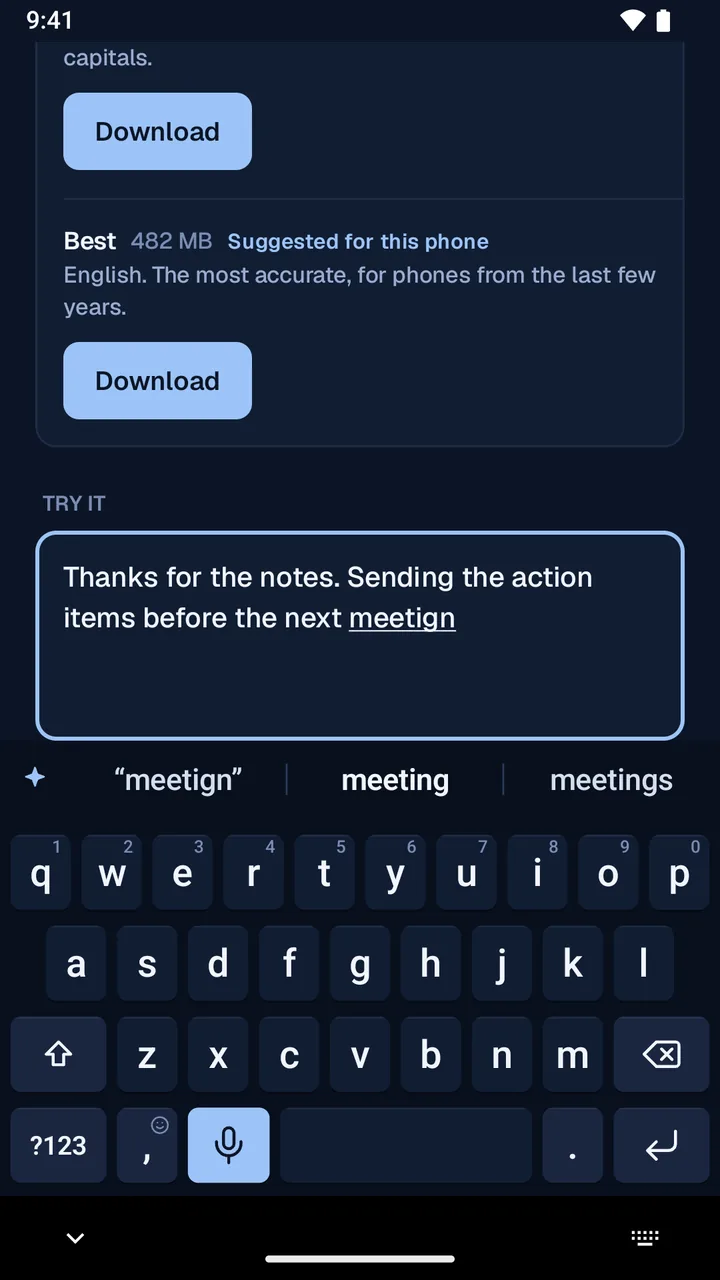
Voice typing
Tap the mic key and talk.
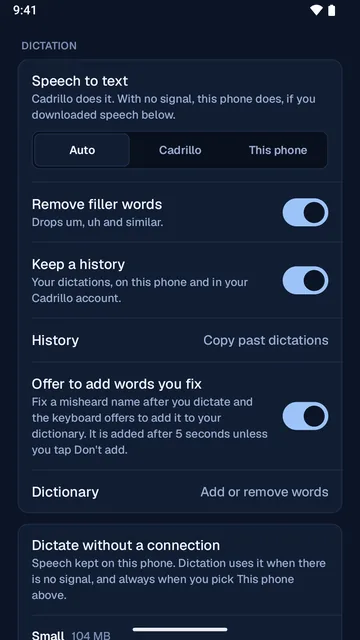
Your words go in at the cursor, in the app you are using. They go in as you said them, and no AI rewrites what you dictate.
- Tap the mic key, or hold it while you talk. With a connection, the words show up as you speak.
- Turn on Remove filler words to drop “um” and “uh.”
- Add names and terms to your dictionary. Fix a misheard name right after you dictate, and the keyboard offers to add it.
- Your dictionary is the same one Cadrillo Voice uses on your computer.
- No signal? Download speech to your phone (about 104 MB or 482 MB) and dictate offline. With This phone chosen, your audio never leaves the phone.
- A recording that could not be turned into text yet stays on your phone. Transcribe it later from History.
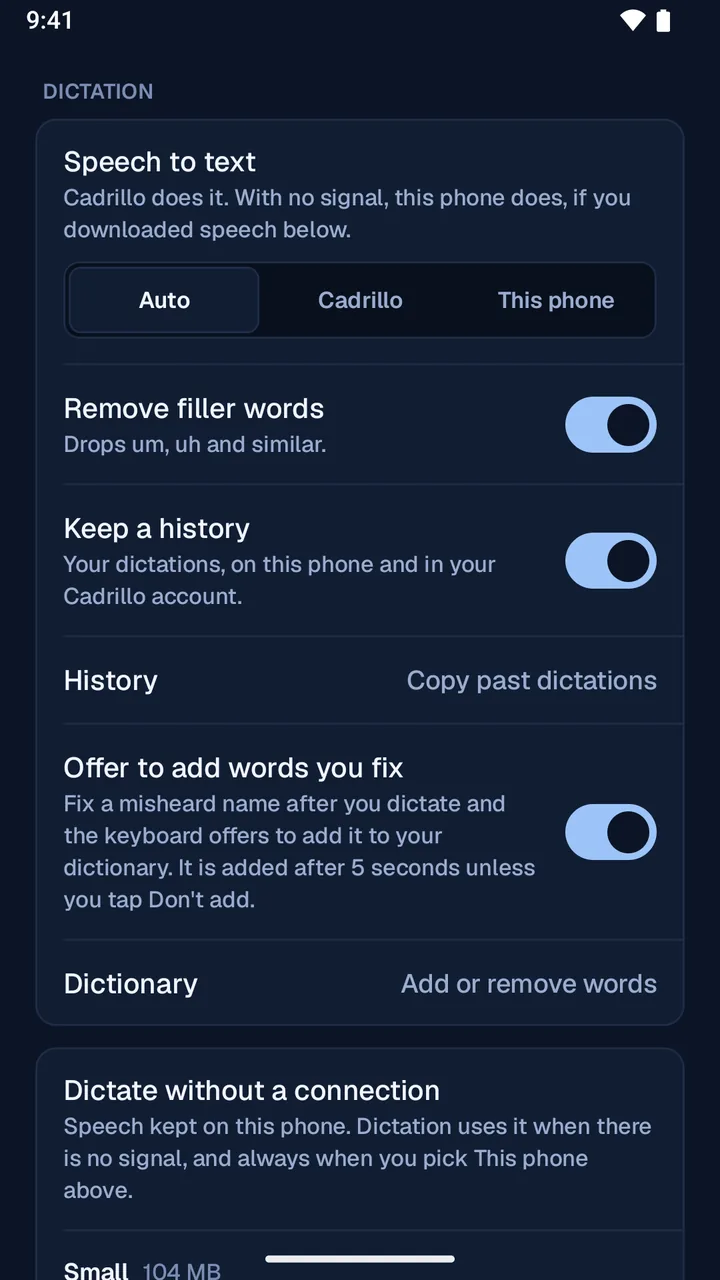
Autocorrect
Type as usual. The slips get fixed.
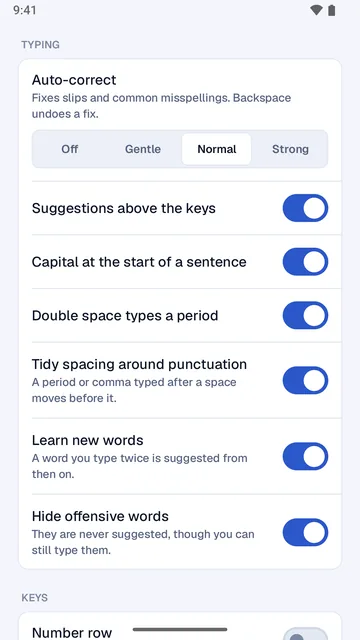
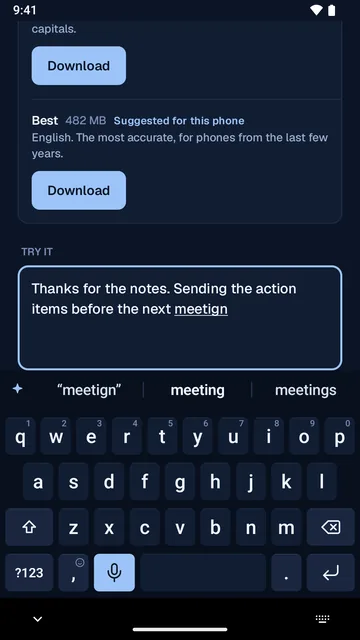
The keyboard fixes thumb slips, common misspellings and missed spaces when you tap space.
- Backspace right after a fix puts back what you typed.
- Suggestions and next-word predictions sit above the keys.
- Choose Gentle, Normal or Strong autocorrect, or suggestions only.
- British spellings become American ones.
- It learns a word after you type it twice. Learned words stay on your phone.
- A number row, three key heights, key sounds and vibration, and day and night themes.
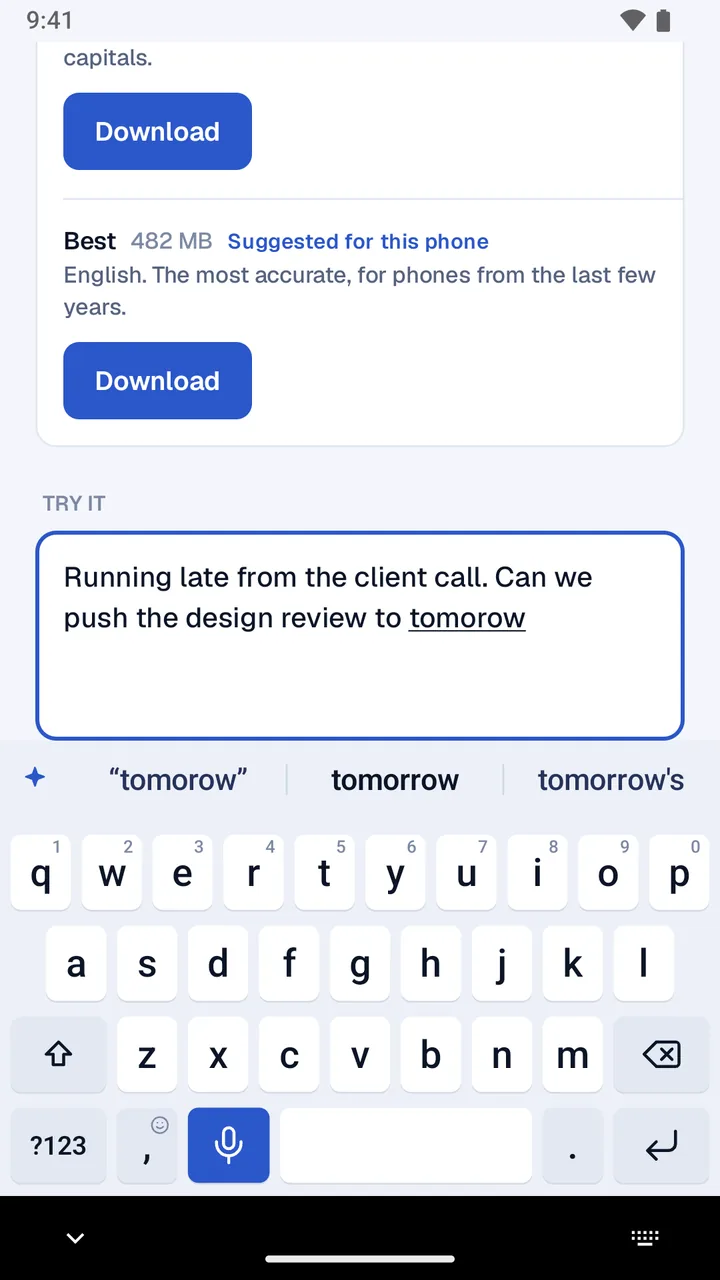
Wesley
Wesley turns a message into a task.
Wesley is Cadrillo’s assistant. On the keyboard, Wesley drafts a task from your message, with a title, an owner and a due date.
Tap ✦ above the keys. Wesley works on the text you selected, or on the whole message.
Tap Make a task. Wesley drafts a title, an owner and a due date.
Check it, then tap Create task. Nothing is created until you do, and the text in your message is never changed.
Make a task sends that text to Cadrillo to draft it. Wesley is off in password boxes.
Privacy
You stay in control.
Only Enter sends
The keyboard never sends a message. Only your tap on Enter does.
Password boxes
In a password box the keyboard learns nothing and keeps no history. Dictation and Wesley are off there.
What you type
It stays on your phone. It goes to Cadrillo only when you ask Wesley for a task, save a word to your dictionary, or send feedback.
No ads
Cadrillo Voice shows no ads.
What it costs
Typing is always free.
- Typing, suggestions and autocorrect
- Always free. No account needed.
- Your phone’s own speech
- Always free, once you download the speech files.
- Cadrillo dictation and Wesley
- Free for the first week of a personal Cadrillo account. No card is needed, and nothing is charged when the week ends.
- After the first week
- $9.99 a month in the United States for a Cadrillo membership, billed by Google Play. It renews each month until you cancel in Google Play.
- A company Cadrillo account
- Includes dictation. There is nothing to buy.
To cancel, open the Play Store app and tap your profile picture, then Payments & subscriptions, Subscriptions, Cadrillo Voice and Cancel subscription. Removing the app does not cancel the membership. The full rules are in the terms of use.
Screenshots
On the phone.
FAQ
Common questions.
How do I set it up?
Open Cadrillo Voice and follow four steps: turn on the keyboard, switch to it, allow the microphone, and sign in with Google.
Why does Android warn me when I turn it on?
Android shows that warning for every keyboard you turn on: it says the keyboard may be able to collect what you type. What you type in Cadrillo Voice stays on your phone. It goes to Cadrillo only when you ask Wesley for a task, save a word to your dictionary, or send feedback.
Does it work without a connection?
Typing and autocorrect work anywhere. For dictation without a signal, download speech to your phone in the app (about 104 MB or 482 MB). Dictation through Cadrillo needs a connection.
When does the free week start?
On the day your Cadrillo account was made, not the day you install the keyboard. For an account made before October 26, 2026, the week starts on October 26, 2026. Each account gets one week.
What happens when the week ends?
If you have not joined, Cadrillo dictation and Wesley stop, and nothing is charged. Typing, suggestions and autocorrect keep working, and so does your phone’s own speech. Your history, dictionary and account stay as they are.
How do I cancel?
Open the Play Store app and tap your profile picture, then Payments & subscriptions, Subscriptions, Cadrillo Voice and Cancel subscription. The membership works until the end of the month you paid for. Removing the app or deleting your account does not cancel it.
Which phones and languages?
Android 9 and up, in English (US).
Cadrillo Voice for Android
Questions or feedback? Write to [email protected].
Coming soon toGoogle Play